Link a business number to WhatsApp Business
Linking a business number to WhatsApp Business
You have a business number from 10Telecom and would like to link it to WhatsApp Business. But how exactly does this work? Follow the steps below. If you’re having trouble, please get in touch with us.
Download the app
The WhatsApp Business app is available to download for Android or iPhone:


After installation
Once you’ve installed the app, you’ll see the following screen. Tap ‘Agree and continue’.
Important: WhatsApp sends the verification code via an incoming phone call. Make sure the landline number you’ve provided rings directly through to you and isn’t answered by, for example, an IVR menu. Is that the case? If so, we’ll be happy to help you temporarily disable this feature.

Select a new number
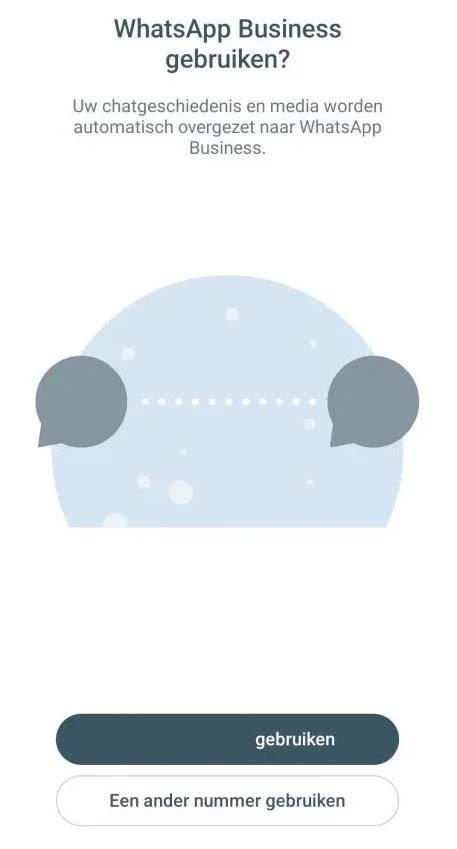
By default, WhatsApp Business selects your own mobile number. As you want to use your business phone number, select the option “Use a different number.”
Enter your business number
You can then enter your business number. The country code is filled in automatically based on your location, usually +31. Enter your business number without the leading 0 and without 31; start directly with your area code.
For example:
101234567 – Rotterdam
201234567 – Amsterdam
5911234567 – Emmen etc.

Receiving a verification code
WhatsApp will then attempt to send an SMS to the number provided. As your business number is not linked to an SMS service in the same way as your mobile number, you will not receive this message.
Wait for the timer to run out or click on “Didn’t receive a code?”

Receive a call from WhatsApp
After clicking on “Didn’t receive a code?”, you’ll be presented with the following options. Select “Call me.” WhatsApp will then initiate a call to the number you’ve provided.
If you receive an error message, please try the process again.
You’ll receive a call on one of the devices linked to your business number. Answer the call, and you’ll be given the verification code.
Enter this code into WhatsApp Business, and your business number will be successfully linked to WhatsApp Business.
WhatsApp isn’t calling me?
In some cases, the call may not come through. This is usually because an automated message or voice clip has been set up on your business number.
Technically speaking, the call from WhatsApp is then answered by this recording, causing WhatsApp to think the call has been delivered, even though you haven’t received it.
Make sure your business number rings directly through to a device. Are you unsure or do you have any questions? Please feel free to get in touch, and we’ll be happy to help.
