Smarter customer engagement with AFAS and telephony
Do you use AFAS and want to improve your customer contact? By linking AFAS to your telephony system, you can get more out of every call. You’ll see customer information immediately when receiving incoming calls, make calls easily from within AFAS, and can even automatically save call transcripts to the customer file.
Two integration options available
1. Pop-up and click-to-dial
-
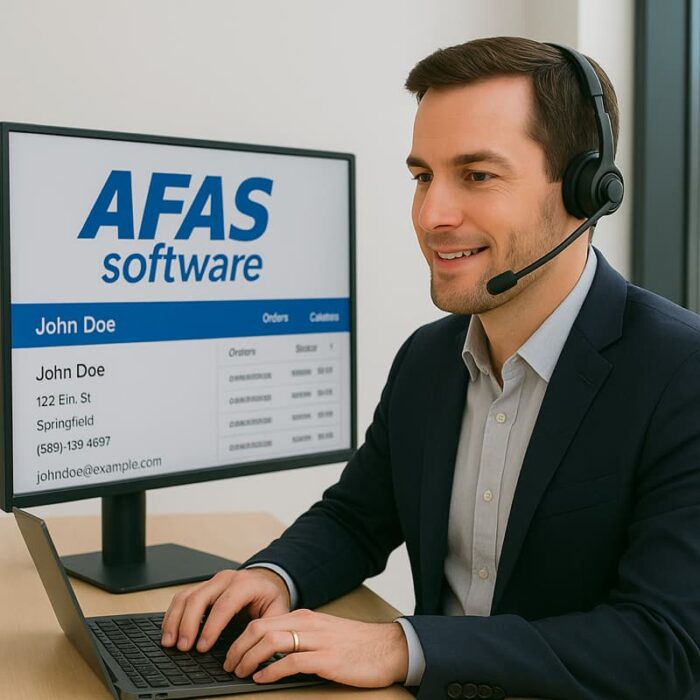
A pop-up with customer details appears automatically for incoming calls
-
You can make outgoing calls straight away by clicking on a phone number in AFAS
Benefits: work faster, customer information displayed instantly, better service
2. Automatic transcripts
-
After every call, a transcript is automatically added to the customer file
Benefits: a comprehensive customer file, less manual work, better follow-up
Who would benefit from an AFAS integration?
These integrations are ideal for businesses that have a high volume of customer contact and use AFAS Profit or AFAS Online. Sales and support teams in particular benefit, as calls are handled more quickly and effectively.
Frequently asked questions about AFAS integration
1. Can we combine both integrations?
Yes, you can choose one solution or combine both integrations for the full package.
2. Is the integration secure?
Absolutely; we use secure connections and operate in accordance with AFAS’s guidelines.
3. How soon can we get started?
Implementation usually takes just a few days, depending on the integrations required.
Why 10Telecom?
We believe that smart integrations make all the difference in customer engagement. That’s why we offer not only telephony, but also integrations that genuinely improve your processes.
Our brand values:
-
Independent – always honest and acting in your best interests
-
Innovative – we spot opportunities and think ahead
-
No-nonsense – clear and practical
-
Enthusiastic – we help you with energy and conviction
Conclusion
With AFAS integrations from 10Telecom, you can work smarter, faster and in a more personalised way. Choose the pop-up with click-to-dial, opt for automatic transcriptions, or combine both solutions for maximum convenience.
