Frequently Asked Questions
4G / VoLTE Activation
KPN is discontinuing 3G and will begin phasing it out from 31 March 2022. Read here how to adjust the settings on your device and enjoy faster performance and crystal-clear calls.
Activating 4G on iOS devices
Go to the Home screen.
Select Settings.
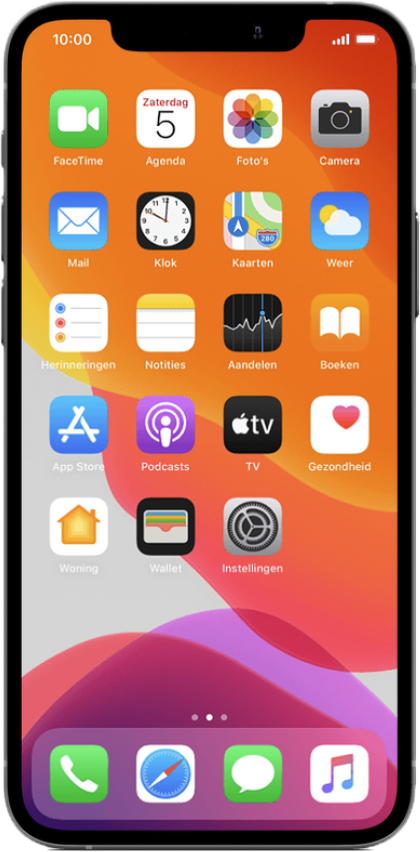

Step 2:
Scroll down.
Select Mobile network.

 Step 3:
Select Mobile Data Options.

 Step 4:
Select Calls and data.

 Step 5:
Select 4G.
Make sure VoLTE (4G calling) is also switched on by setting the toggle to green.
The Apple iPhone is now set up to use 4G networks.
Enabling 4G on Android devices
 Step 1:
Go to the Home screen.
To open the menu, swipe up on the screen.

 Step 2:
Select Settings.

 Step 3:
Select Connections.

 Step 4:
Select Mobile networks.

 Step 5:

Your Android device is now set up to use 4G networks.